The macro "kaz combo 20" for "Tekken 8" can be downloaded and used on any mouse and keyboard.
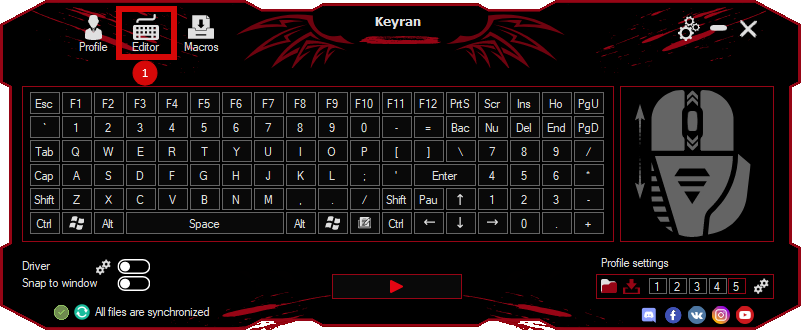
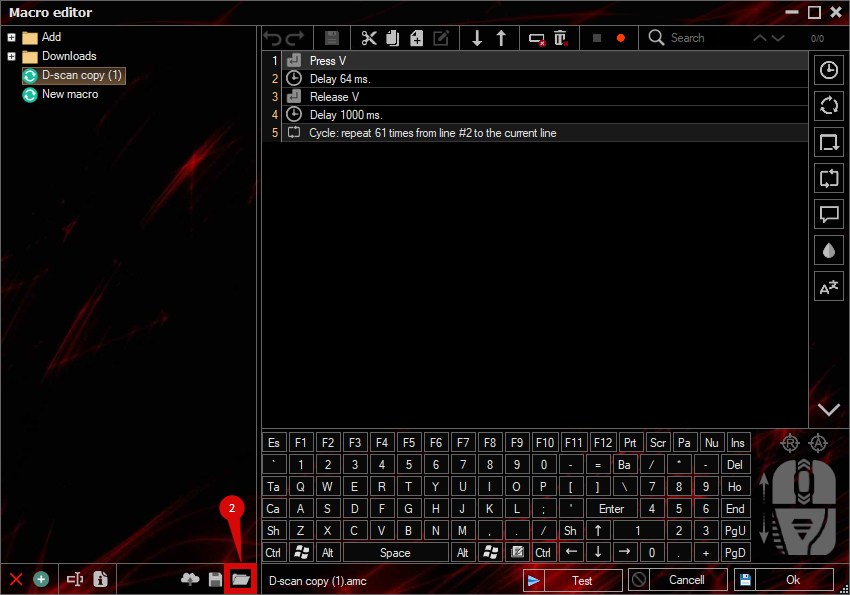
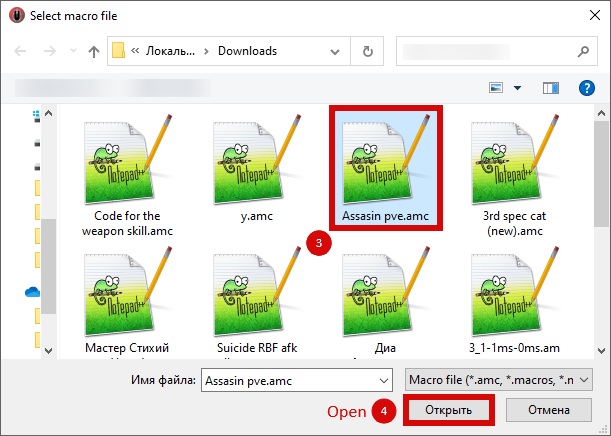
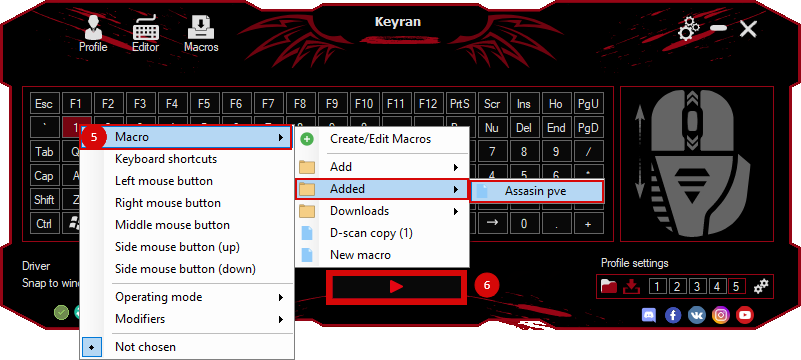
Installing the macro is in the Keyran program and increases your skill level in Tekken 8, if you follow the
instructions!
Macro for Kazuya's character from Tekken 8

Kazuya Mishima, the heir to a powerful corporation and the bearer of a devilish gene, is a powerful fighter with a dark past. His childhood was filled with tragedies, because Heihachi's father threw him off a cliff to find out if he possessed true strength. This ordeal left an unhealed wound in Kazuya's soul and awakened his devilish nature, filling him with a thirst for revenge. Coldness and ruthlessness have become his main traits, making him one of the most dangerous opponents in the ring.

Watch a video demonstration of this macro at the following link: https://youtu.be/jEdOlwZ_fHg . The macro was tested on the latest update of the game.

Recommendations on program settings for good macro operation:
1. Activate the driver.
2. Disable the minimum delay.

The control parameters in the game are:
1 - Num 4
2 - Num 5
3 - Num 1
4 - Num 2
Up - W
Down - S
To the left - A
To the right - D

If you encounter problems using the macro, please visit the website. https://keyran.net/discord or contact the author of the macro named hersonaep (Discord).

#tekken #tekken8 #kazuya #keyran