The macro "Auto Upgrade Pablo" for "RUST" can be downloaded and used on any mouse and keyboard.
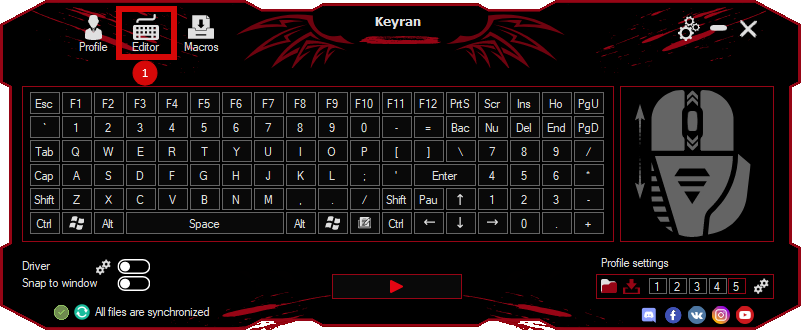
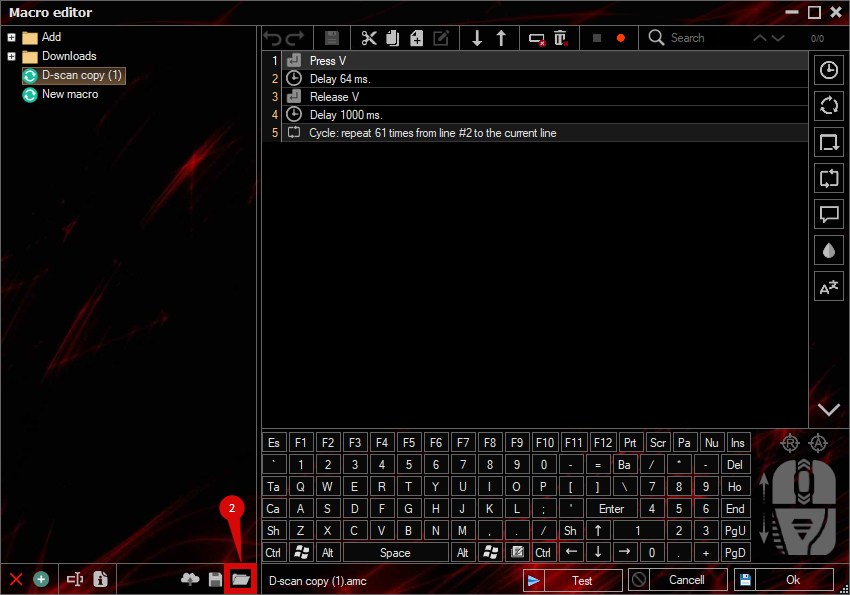
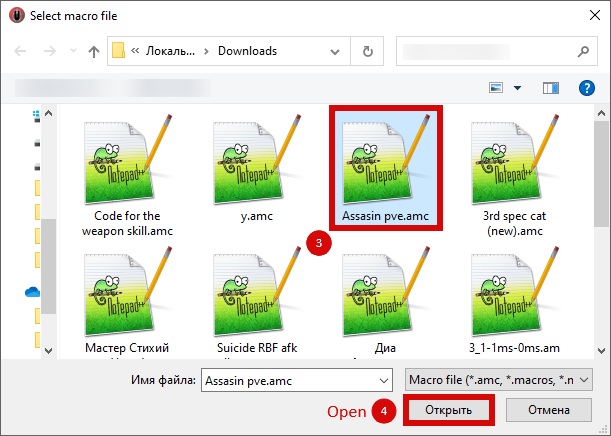
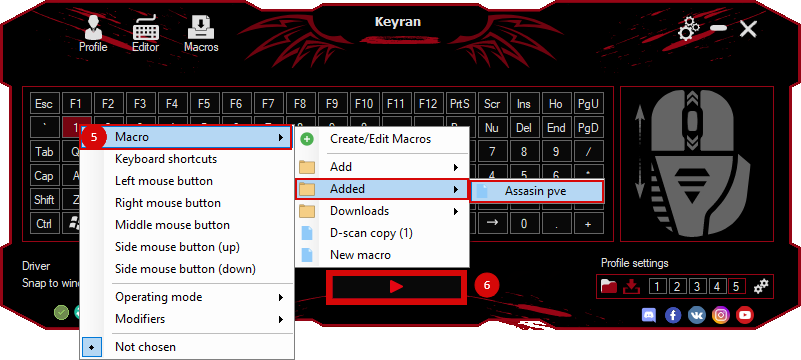
Installing the macro is very easy in the Keyran program and increases your skill level in the game, if you follow the
instructions!
A macro for automatic updates to the stone in the Rust game

Setup: Make sure that the hammer is located on the quick access toolbar in the specified slot (by default, slot 4 in this macro).

Goal: Move the mouse pointer over the building element that you want to improve to stone (for example, walls, foundations or ceilings).

Running a macro: Activate the macro. The script will perform the following steps:
1. Equip you with a hammer.
2. Opens the improvements menu by right-clicking on the item.
3. Moves the cursor to select the «Upgrade to Stone» option.
4. Confirms the selection to apply the update.

Repeat: If several elements need to be improved, just continue executing the macro or restart it as you move on to the next object.

Requirements:
1. Screen Resolution: This macro is optimized for a resolution of 1920x1080. If you have a different resolution, make changes to the mouse coordinates in the macro to select the menu correctly.
2. Hammer position: By default, the hammer should be in slot 4 of the quick access toolbar. Change this in the macro script if your hammer is in a different slot.

With this macro, the improvement process will become simple and fast!