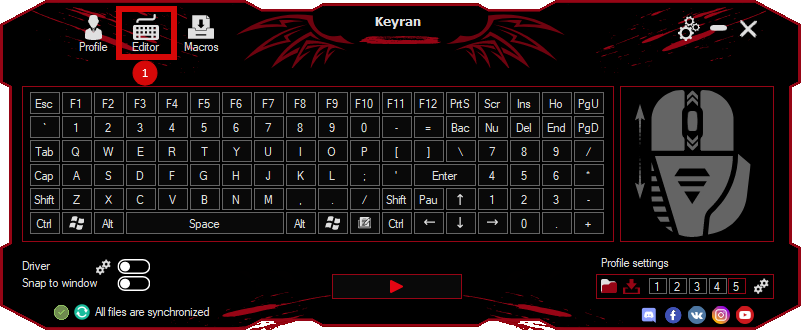
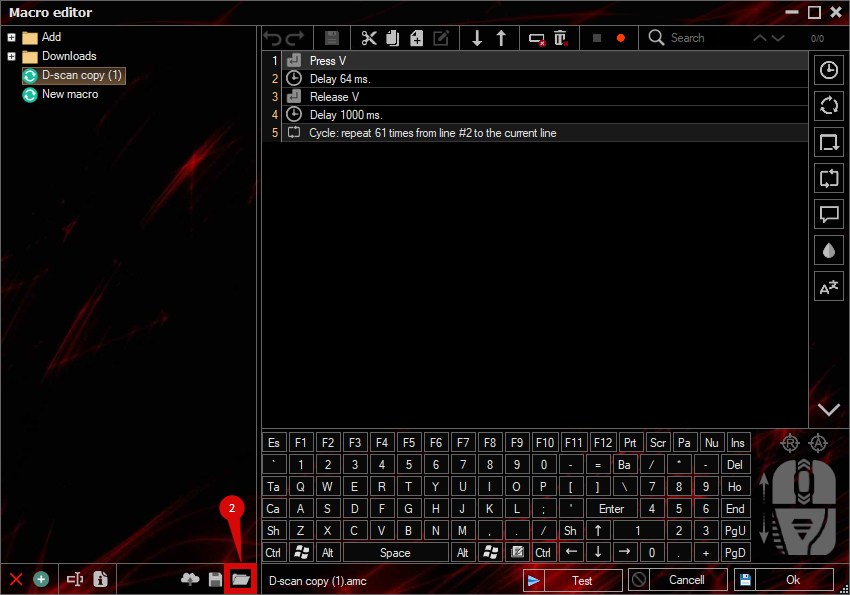
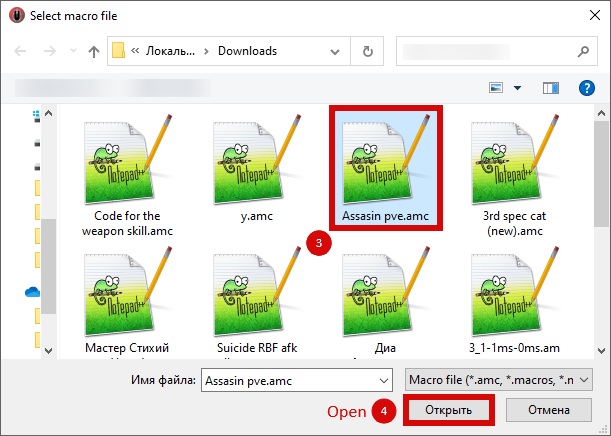
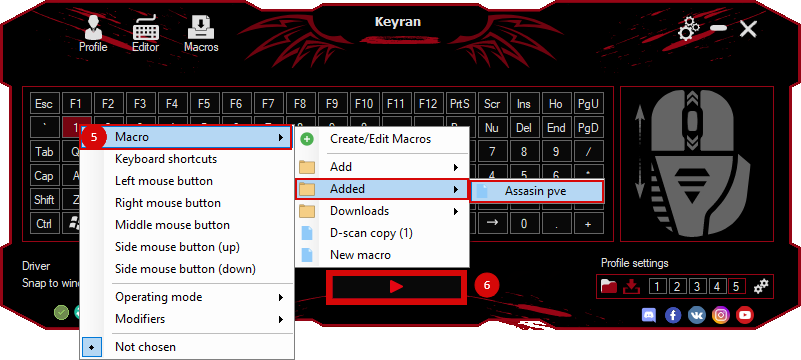
The macro "dropdowndash" for "Roblox" can be downloaded and used on regular mouse and keyboard.
Installing the macro is very easy in the Keyran program and increases your skill level in Roblox, if you follow the
instructions!
!IMPORTANT NOTIFICATION! I present to your attention a macro designed specifically for the Parkour Legacy game on the Roblox platform. This tool was created with my personal preferences in mind, so it may require small adjustments. For the macro to work correctly, it is recommended to go into the settings and assign the quick turn function to the right mouse button in the keybindings section. Also activate the utility mode for a more convenient orientation in the gameplay.

To successfully complete tasks using the macro, you need to be on the edge of the building. Hold down the Shift button, then aim (in first person) parallel to the wall of the building and activate the macro. Wait for the first purple or pink number to appear, then release Shift. When the camera turns and you see the second pink number, turn towards the edge of the building and press the space bar. As soon as your feet touch the roof of the building, hold Shift again. It is recommended not to release Shift and jump when you are on the edge. The video instruction is available at the link: https://www.youtube.com/watch?v=nP7xNW7oYgU (be sure to check it out, although it's in English, the main points are easy to understand).