The macro "GTAV_QuickWeapon" for "GTA 5" can be downloaded and used on any mouse and keyboard.
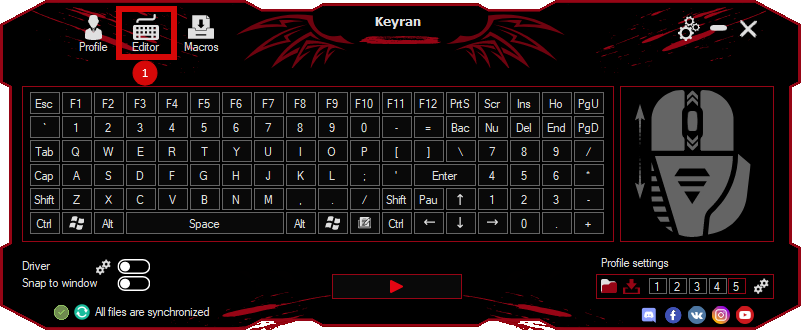
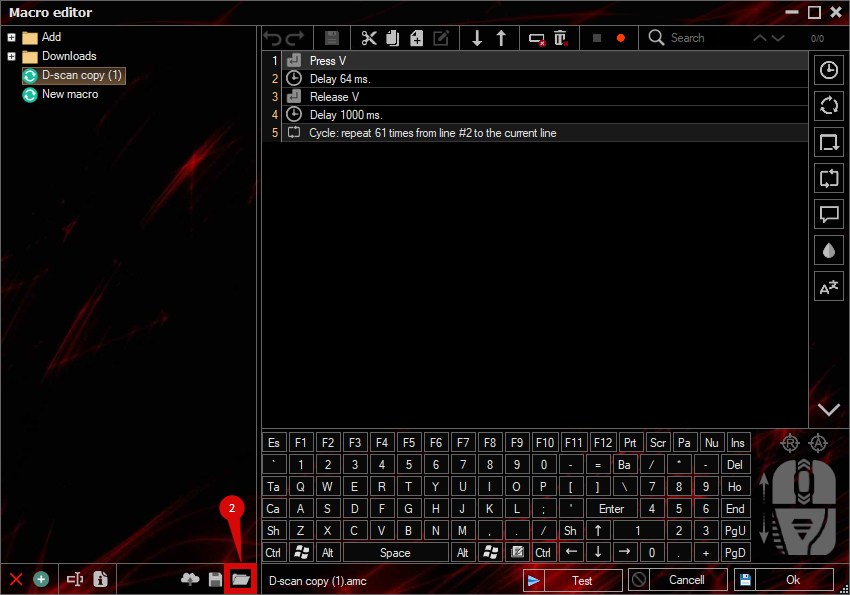
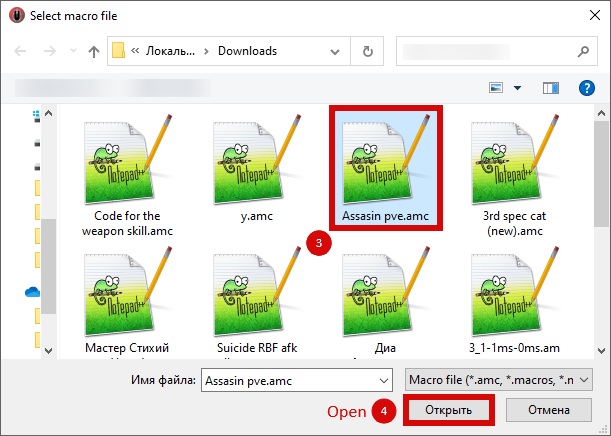
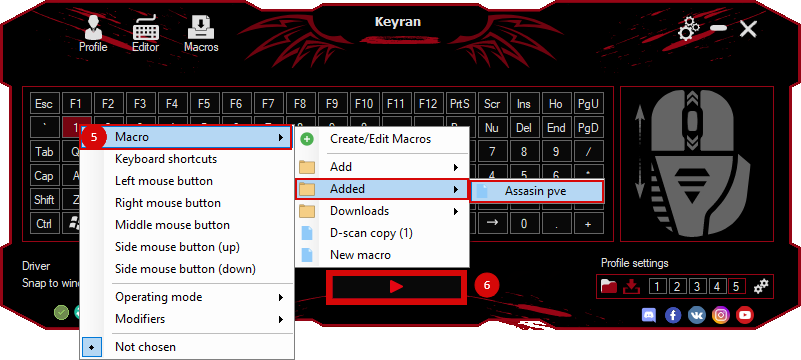
Installing the macro is very simple in the Keyran program and enhances your gaming experience!
TITLE: Quick Weapon Switching for GTA V. DESCRIPTION: The macro instantly switches between all available weapon slots from 1 to 8. This is especially useful in tense moments, such as racing or combat encounters, when you need to quickly select the right arsenal. RECOMMENDED KEY: Mouse button 4 (side mouse button). HOW TO USE: Program the macro on the Mouse 4 button. During the game, hold down this button and the weapon will switch between slots one at a time. 1, 2, 3, 4, 5, 6, 7, 8. Once the desired weapon has been selected, simply release the button and the macro will lock onto the current slot. It works both in GTA V Online and in the single-player campaign. SETUP: To reduce the number of slots, remove the extra KeyDown, Delay, and KeyUp lines in the code. AUTHOR: Britan. DISCLAIMER: Copying of materials without specifying the author is prohibited.