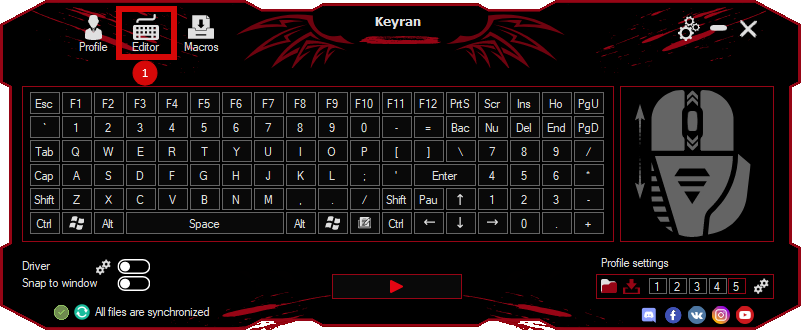
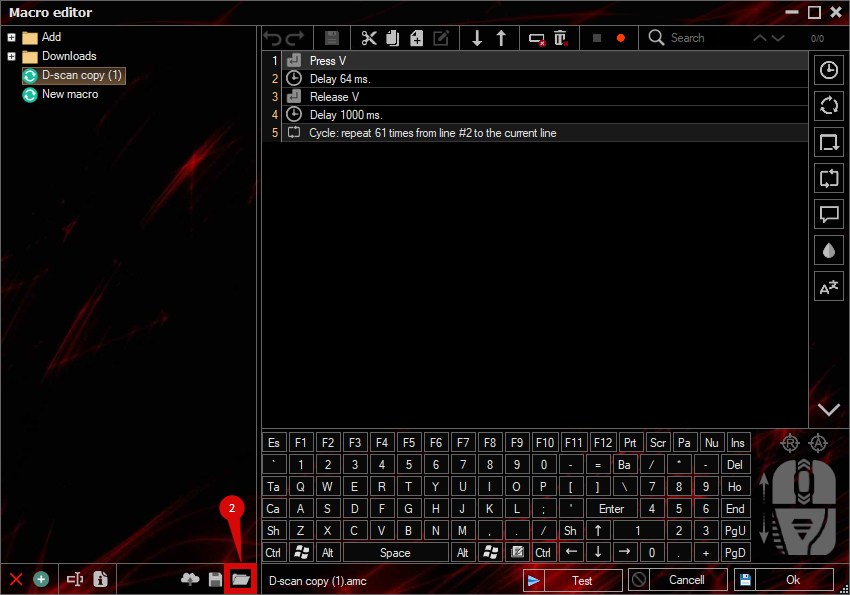
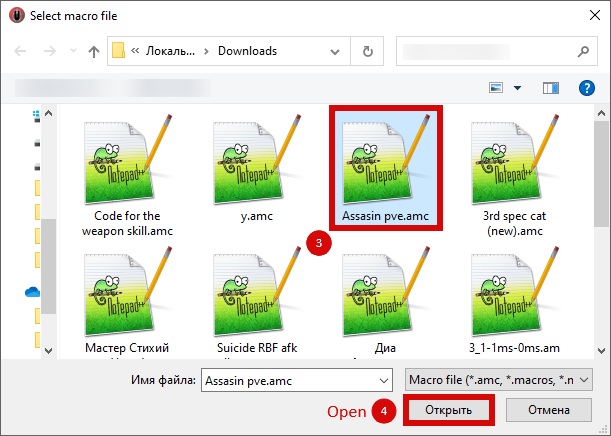
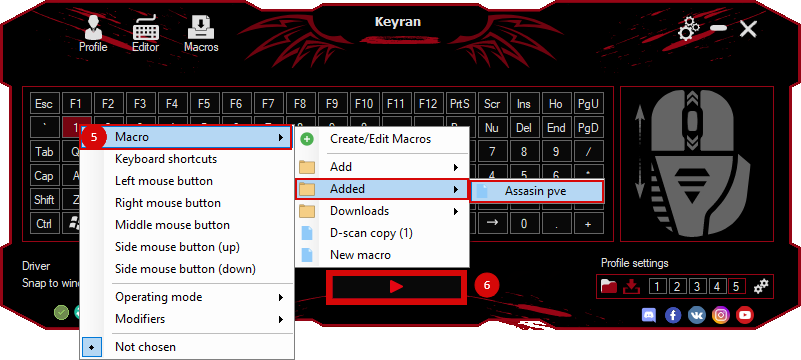
The macro "Dong Combo" for "FATAL FURY: City of the Wolves" can be downloaded and used on regular mouse and keyboard.
Installing the macro is very easy in the Keyran program and enhances your gaming experience!
A combination for the character Dawn in the game FATAL FURY: City of the Wolves

Don is a unique style that is based on impetuosity and aggressiveness. His behavior is filled with self-confidence, which makes his game a real challenge for his opponents. Fighting with him focuses on a fast and pressing approach, each animation is full of active movements that emphasize his dynamic style. Visually, Don symbolizes the desire for domination, his actions are filled with lightness and excitement, which emphasizes the element of superiority.

Watch the video with a demonstration of the macro for clarity - https://youtu.be/XTAzOVYdJao . This macro has been tested on the current version of the game.

The parameters in the program for the correct operation of the macro:
1. You need to activate the driver.
2. Disable the minimum delay function.

Control settings in the game for Don:
1 - Num 4
2 - Num 5
3 - Num 1
4 - Num 2
Up - W
Down - S
To the left - A
To the right - D

If you have any problems with the macro or it doesn't work, contact support via the link - https://keyran.net/discord . You can also contact the developer of the macro for questions about its creation — hersonaep (discord).

#FATALFURY #FATAL_FURY #don #keyran.