The macro "Andy Combo" for "FATAL FURY: City of the Wolves" can be downloaded and used on simple mouse and keyboard.
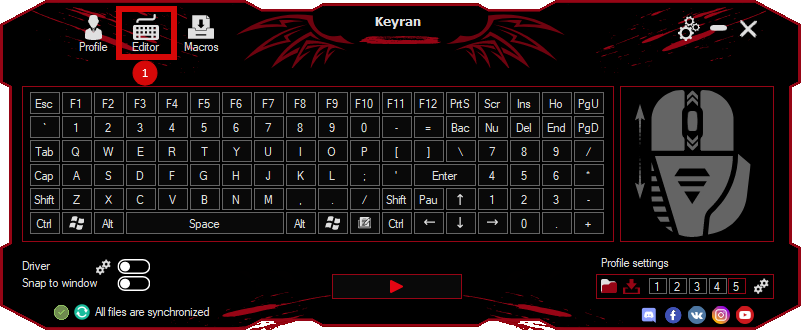
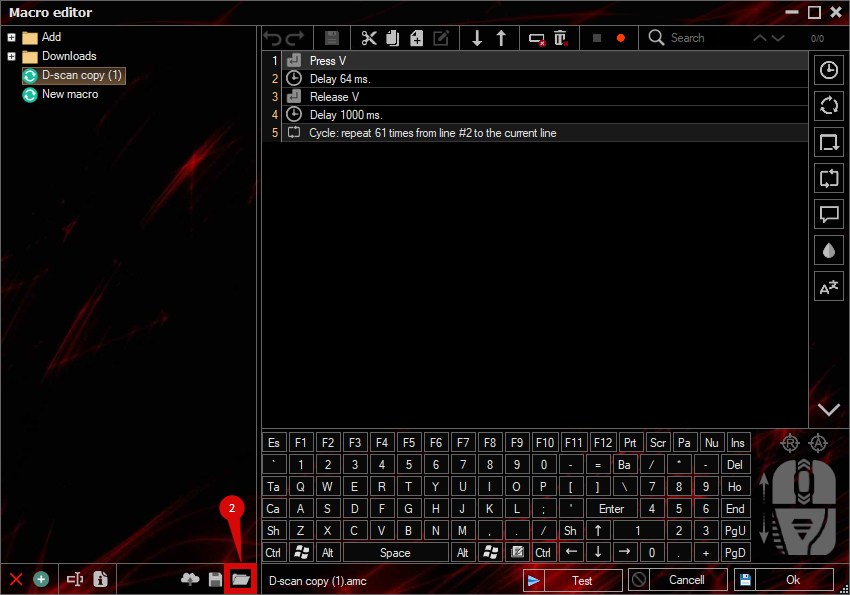
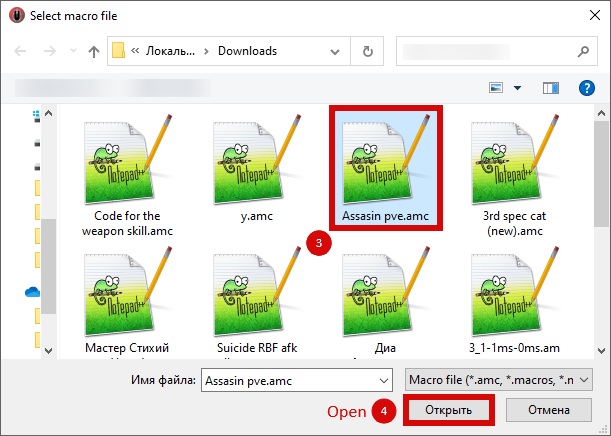
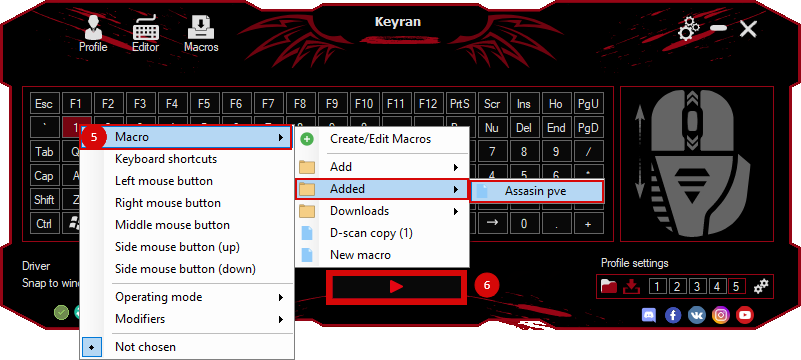
Installing the macro is in the Keyran program and increases your skill level in FATAL FURY: City of the Wolves, if you follow the
instructions!
Macro for Andy's combo character in FATAL FURY: City of the Wolves

Andy Bogard is a technical and highly disciplined fighter. His style of play is known for precision strikes and excellent mobility, which allows him to control the course of the battle. He prefers restraint and does not show excessive emotions during fights. Animations and visual effects highlight his skill and ability to keep the situation under control. Andy occupies a unique place in the game as a balanced character with a diverse set of techniques, making him a versatile choice for players.

To demonstrate how the macro works, you can watch the video at the following link: https://youtu.be/bfgfKOANgek . This macro has been tested on the current version of the game.

When setting up a macro in the Keyran program, make sure of the following parameters:
1. Make sure that the driver usage mode is selected.
2. Disable the minimum delay function for reliable command execution.

In addition, set up the controls in the game as follows:
- Button 1 - Num 4
- Button 2 - Num 5
- Button 3 - Num 1
- Button 4 - Num 2
- Up Button - W
- Down button - S
- Left button - A
- Right button - D

If you have any difficulties with the macro, please contact support here: https://keyran.net/discord or contact the author of the hersonaep macro in Discord directly for advice on creating macros.

#FATALFURY #CityOfTheWolves #andy #keyran